Amazon Product Photo Requirements 2026: Complete Seller Guide
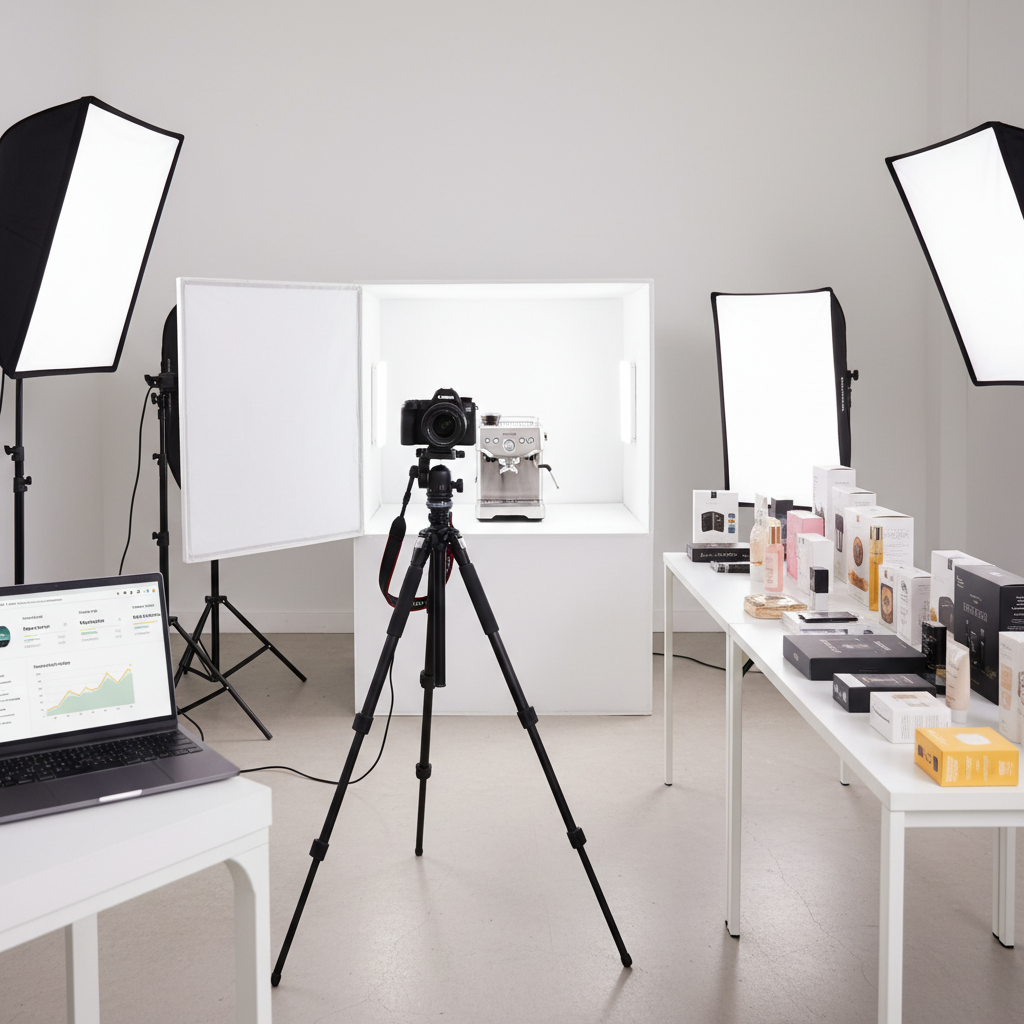
Getting your product photos rejected by Amazon is one of the most frustrating parts of selling online. You upload your listing, wait for approval, and then receive a vague notification that your images don't meet requirements. The fix is usually simple once you know the exact specs.
This guide covers every Amazon product image requirement for 2026, including the main image rules that trip up most sellers, and how to prepare compliant images in bulk without editing them one by one.
Quick Reference: Amazon Image Specs
Bookmark this table. It covers the numbers you need for every product listing.
| Requirement | Main Image | Additional Images |
|---|---|---|
| Minimum size | 1000 × 1000 px (2000 × 2000 recommended) | 500 × 500 px minimum |
| Maximum size | 10,000 × 10,000 px | 10,000 × 10,000 px |
| File format | JPEG, PNG, GIF, TIFF | JPEG, PNG, GIF, TIFF |
| Color mode | sRGB or CMYK | sRGB or CMYK |
| Background | Pure white (#FFFFFF) |
Any (lifestyle OK) |
| File size | Max 10 MB | Max 10 MB |
The 2000 × 2000 pixel recommendation matters more than most sellers realize. Amazon enables the zoom feature only when images are at least 1000 px on the longest side, and zoom quality is noticeably better at 2000 px. Listings with zoom-enabled images convert at a measurably higher rate because shoppers can inspect product details before buying.
Main Image Rules (MAIN Slot)
The main image is the one shoppers see in search results, and Amazon enforces it the most strictly. Every rejection rule below applies specifically to the MAIN image slot.
Background Must Be Pure White
Amazon requires an RGB value of 255, 255, 255 for the background.
Off-white, light gray, or cream backgrounds will be rejected. If you photograph products on a
white seamless, check the edges and corners — shadows and color casts from studio lighting
frequently push those areas below pure white.
Product Must Fill 85% of the Frame
The product (or its packaging) should occupy at least 85% of the image area. Small products centered in a large white field look lost in search results and may be flagged during review. Crop tight, then add uniform white padding to hit your target dimensions.
No Text, Logos, or Watermarks
The main image must show only the product. That means no promotional text, no brand logos overlaid on the image, no price badges, no "Best Seller" banners, and absolutely no photographer watermarks. The product name and brand are already displayed in the listing title — duplicating them on the image clutters the search grid and violates Amazon's policy.
No Borders, Color Blocks, or Insets
Colored borders, gradient backgrounds, and picture-in-picture insets are all prohibited on the main image. Some sellers add thin keylines or rounded-corner frames as a design touch — Amazon rejects these consistently.
Additional Image Rules (Slots 2–9)
Amazon is far more permissive with additional images. Use these slots strategically to boost conversion.
- Lifestyle shots — Show the product in use, in context. A kitchen gadget on a countertop, a backpack on a hiker. These help shoppers visualize ownership.
- Infographics — Callout key features with text overlays, dimension lines, or comparison charts. This is your space to highlight specs that the title can't cover.
- Scale reference — Place the product next to a common object (a hand, a coin, a standard box) so buyers understand actual size.
- Packaging and contents — Show everything included in the box. This reduces returns from customers who expected accessories that weren't included.
- Comparison images — Before/after shots, or side-by-side comparisons with previous versions, are encouraged in additional slots.
Additional images still need to meet the minimum size requirement (500 × 500 px)
and stay under 10 MB, but backgrounds, text overlays, and branding are all permitted.
Common Rejection Reasons
If your listing is stuck in review or your images were suppressed, the cause is almost always one of these six issues:
- Image too small — Under 1000 px on the longest side. This is the single most common rejection. Camera phones produce large files, but images downloaded from old emails or resized for a previous platform may have been downscaled below the threshold.
-
Background not pure white — Off-white (
#FAFAFAor similar) looks identical to human eyes but fails Amazon's automated check. Studio photos almost always need post-processing to push the background to#FFFFFF. - Text or promotional overlays — "Sale", "Free Shipping", or feature callouts on the main image. Move these to additional image slots where they are allowed.
- Watermarks or logos — Photographer watermarks, studio logos, or brand badges overlaid on the product. Remove them before uploading to the MAIN slot.
- Image doesn't match the product — Variation listings (color, size) must show the exact variant. A listing for a blue mug with a photo of a red mug will be suppressed.
- Wrong file format — Amazon accepts JPEG, PNG, GIF, and TIFF. Formats like WebP, HEIC, or BMP must be converted before upload. JPEG at 90–95% quality is the best balance of file size and image quality for product photos.
How to Automate Amazon Image Compliance
If you sell more than a handful of products, manually resizing and reformatting every photo in Photoshop is not sustainable. Each image needs to hit the same target dimensions, the same JPEG quality, the same color profile — and if you sell on multiple marketplaces, each platform has slightly different specs.
Contenta Converter's E-Commerce workflow was built specifically for this problem. You select your source photos, check the marketplaces you sell on (Amazon, Etsy, Shopify, eBay, Walmart), and the software outputs correctly sized images for every platform in a single batch. For Amazon, that means 2000 × 2000 px, JPEG at 92% quality, sRGB color profile, and EXIF metadata stripped — all applied automatically.
The workflow also handles platform-specific quirks that trip sellers up. Etsy allows 2700 px wide but requires a 4:3 aspect ratio for optimal display. Shopify recommends 2048 × 2048 square. eBay enforces 500 px minimum but rewards listings with 1600 px images via higher search placement. Instead of maintaining a spreadsheet of specs and resizing each photo five times, you run one batch and get every variant.
For sellers uploading hundreds of SKUs, the time savings compound quickly. A batch of 500 product photos across five marketplaces produces 2,500 correctly formatted images in minutes, with no manual intervention and no risk of uploading the wrong size to the wrong platform.
Stop resizing manually
Contenta Converter auto-applies Amazon specs to all your product photos in one batch.
Learn More — E-Commerce Workflow