Remove.bg vs Contenta Converter: Which Do You Actually Need?
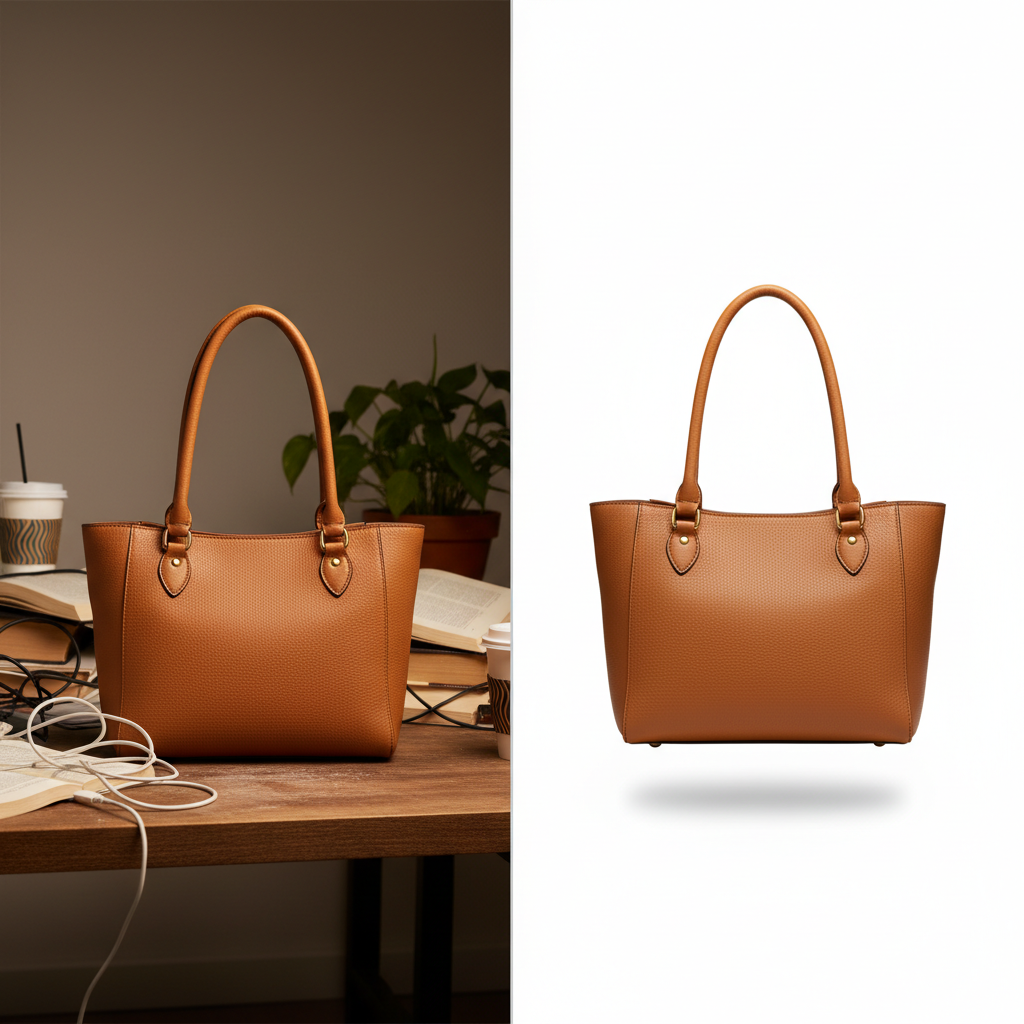
Remove.bg and Contenta Converter show up in the same searches because product photographers need both background removal and batch conversion. But they solve fundamentally different problems.
This is not a 'which is better' comparison — it is a 'which do you need' guide. The answer might be both.
What Remove.bg Does
Remove.bg is an AI-powered background removal service. You upload a photo, and it returns the subject with the background erased. That is its entire purpose, and it does it well:
- AI background detection — Automatically identifies the subject and removes everything else
- Transparent or colored backgrounds — Replace with transparent PNG, white, or any solid color
- API available — Integrate into automated workflows via REST API
- Cloud-based — No software to install, works from any browser
What Contenta Converter Does
Contenta Converter is a desktop batch image processor. It handles everything that happens after you have your final photos — converting formats, resizing for specific platforms, applying effects, managing metadata, and producing marketplace-ready output:
- Batch conversion — Process thousands of images at once across 60+ input and 20+ output formats
- Platform-specific resizing — Built-in presets for Amazon, Etsy, Shopify, eBay, MLS, Instagram, and more
- Effects and watermarks — 35+ effects, text and logo watermarks, all applied in batch
- Metadata control — Read, write, or strip EXIF/IPTC/XMP across all images
- Works offline — Desktop application, your photos never leave your computer
Side-by-Side Comparison
| Feature | Remove.bg | Contenta Converter |
|---|---|---|
| Background removal | AI-powered, excellent quality | Yes — AI removal (white, transparent, or custom color), bring your own free Gemini API key |
| Batch resize | Limited (fixed output sizes) | Full control: fit, fill, crop, stretch, pad |
| Format conversion | PNG output only | 60+ input, 20+ output formats |
| Batch processing | Via API (pay per image) | Unlimited, multi-core, local |
| Metadata handling | Stripped on output | Full read/write/strip control |
| Pricing | Free (low-res) or credits from $0.20/image | $129 one-time, unlimited images |
| Works offline | No (cloud service) | Yes (desktop application) |
When to Use Both Together
Many product photographers use Remove.bg and Contenta Converter as a pipeline:
- Shoot your product photos (any background)
- Remove.bg — Batch-remove backgrounds via the API, get transparent PNGs
- Contenta Converter — Batch-convert the PNGs to marketplace-ready JPEGs: resize to 2000 × 2000, add white background padding, set sRGB color profile, strip metadata, output separate folders for Amazon, Etsy, and Shopify
Remove.bg handles the creative step (isolating the product), and Contenta Converter handles the technical step (making it compliant for every platform). Together, they automate the entire workflow from camera to marketplace.
The Verdict
Remove.bg remains the gold standard for difficult edges like hair and fur. But Contenta Converter now removes backgrounds too — white, transparent, or any custom color — and batch-resizes, converts formats, applies effects, and produces platform-specific output in the same pass.
Some photographers still pair the two: Remove.bg for the most demanding cutouts, Contenta Converter for everything else. For most product catalogs, though, one $129 desktop tool now covers the entire workflow — background removal included — with no per-image credits.
Try Contenta Converter free for 30 days
Batch convert, resize, and optimize your product photos for every marketplace. Pair it with Remove.bg for a complete workflow.
Download Free Trial