How to install on Windows?
- Download the installation program here
- Run it
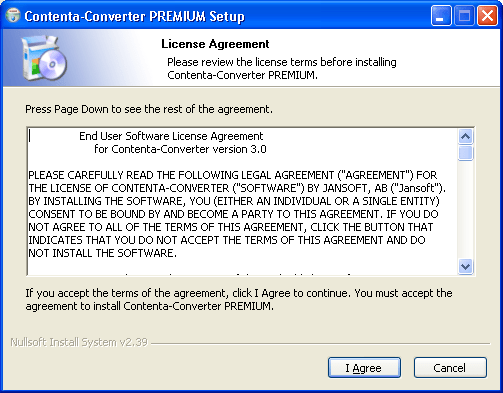
- Accept the end-user license agreement
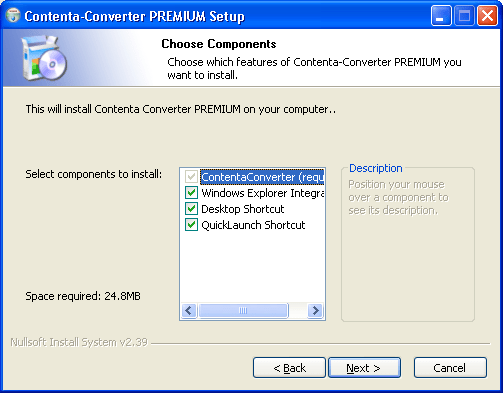
- Click on the 'Next' button
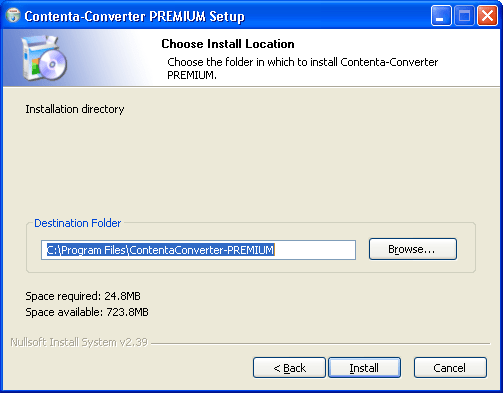
- Click on the 'Install' button"
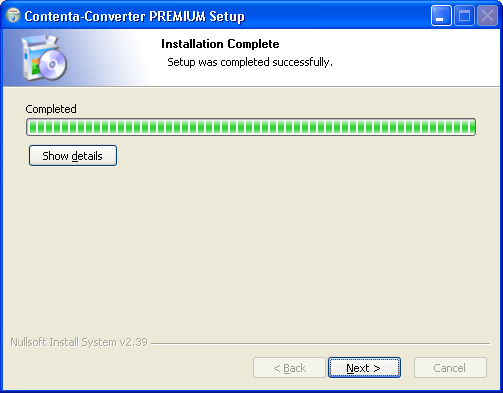
- After successful installation, you can simply click on the Next button
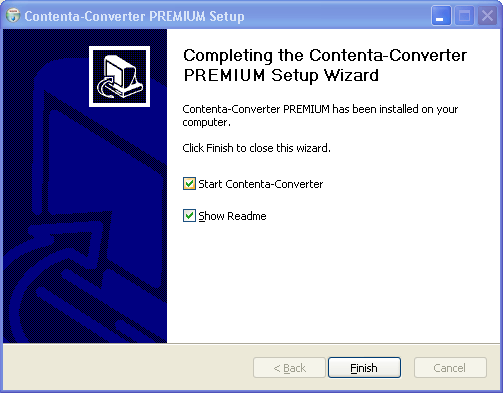
- You can choose to start the software. Click on the Close button.
- You are done. Your software is installed!