CONTENTA CONVERTER PREMIUM

Convert, Resize, Upscale, Watermark —
All in One Batch

50+ formats, AI upscaling, 35+ effects, watermarking, RAW processing, metadata control, CLI & automation — process thousands of photos in minutes. No subscription.

Windows 10/11 Free 30-day trial · No credit card · Works offline · 30-Day Money-Back Guarantee
★★★★★ 4.7 from 2,800+ reviews
v9.0
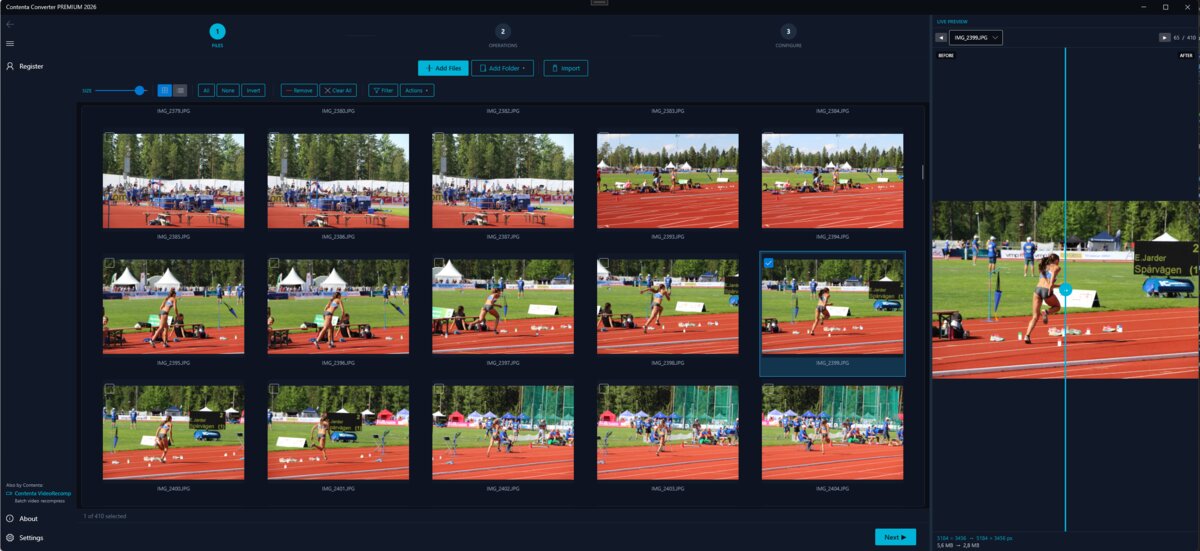
Contenta Converter — batch photo conversion interface
★★★★★ 4.6 / 5
★★★★★ 4.5 / 5
★★★★★ 4.7 / 5
60+
Image Formats
100K+
Happy Users
35+
Effects & Filters
AI
AI Upscaling

Read & Write All Major Image Formats

JPEG PNG WebP HEIC AVIF TIFF RAW PDF BMP GIF SVG

Powerful Features

Built for Every Photographer

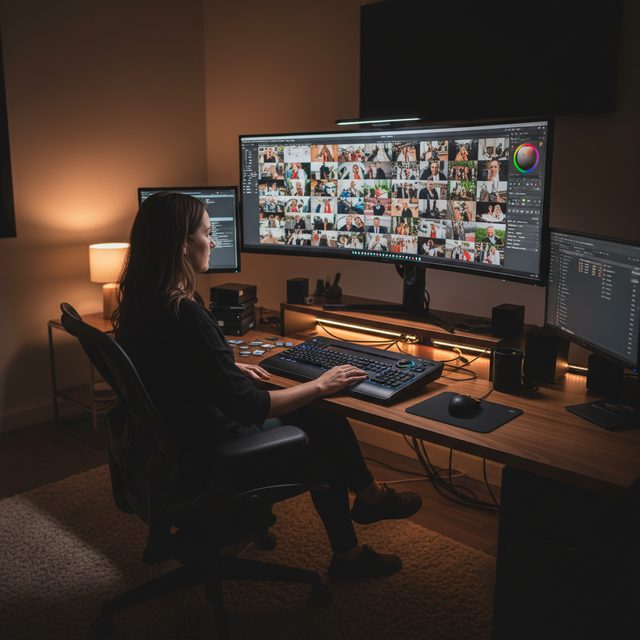
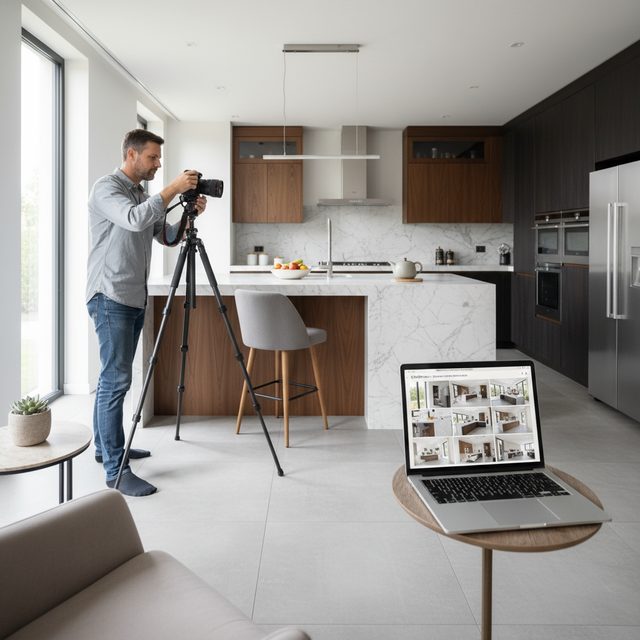
Whether you shoot weddings or sell online, Contenta adapts to your workflow.

See the Difference

Convert an entire photo shoot in minutes, not hours.

Before
50 RAW Photos · CR2 Format
1.8 GB
After
50 Web-Ready JPEGs · Resized & Optimized
45 MB

97% smaller — ready to upload, email, or archive

Why Contenta vs Alternatives

One-time purchase. All features included. No feature gating.

Feature Contenta Adobe Bridge Lightroom Online Tools
Batch Processing Unlimited Limited Export only 5-20 images
Price $129 one-time $55/mo $10/mo Per image
Formats 60+ 30+ 25+ 5-10
AI Upscaling
Effects 35+ Basic Presets Few
CLI / Automation ✓ + MCP API only
100% Offline

Adobe Bridge requires a Creative Cloud subscription ($55/mo). Lightroom requires a Photography Plan ($10/mo). Online tools charge per image and require uploading your files.

30-Day Free Trial No Credit Card Required Windows 10 / 11 No Watermarks (first 10)

The most intuitive software to transform your photos

Select photos

Configure

Convert

How Contenta Converter batch converts photos in 3 steps

Prepare for web, print, backup. Organize and rename. Apply effects, watermarks, metadata in batch.

Отзывы

 "Когда мне нужно было конвертировать мои фотографии, ваша программа оказалась как нельзя кстати. Спасибо!"
Джейсон Хоффман, Калифорния

 "Я фотографирую в RAW каждый день, и мне очень нравится ваш конвертер. Он очень экономит время."
Джим Ричардсон, Индианаполис

 "Должен сказать, я изучал различные конвертеры для фото, и ваш конвертер — понятный, простой и невероятно эффективный."
Брендон Киган, Нью-Йорк

Start Converting Photos Today

Choose the plan that works for you. All plans include every feature.

Free Trial
FREE
30 days, all features included
Download Now
Quarterly
$9.67 / month
Billed $29 every 3 months
Get Started
Yearly
$6.58 / month
Billed $79 yearly
Get Started

No subscription trap. Contenta is a one-time purchase — less than 2 months of Lightroom, and it's yours forever.

Frequently Asked Questions

Contenta reads and writes 50+ formats including JPEG, PNG, TIFF, WebP, HEIC, AVIF, BMP, GIF, PDF, and 25+ camera RAW formats (CR2, NEF, ARW, DNG, RAF, and more).

There is no limit. Contenta uses multi-core processing to convert thousands of images in minutes. Users regularly process 10,000+ photos in a single batch.

Yes. Contenta supports 25+ RAW formats from Canon, Nikon, Sony, Fuji, Panasonic, Olympus, and more. Full white balance, denoising, and color adjustment controls are built in.

The 30-day trial includes all features. The first 10 images per batch are processed without watermarks. After that, a small watermark is added. Purchase a license to remove all limitations.

No. Contenta Converter is a one-time purchase. You pay once and own it forever, including all future updates. No monthly or yearly fees.

Ready to Process Your Photos?

Download the free trial and start converting in 2 minutes. No credit card required.

Windows Download for Windows
30-Day Free Trial No Credit Card Required Windows 10 / 11

Пожалуйста, учтите, что программное обеспечение Contenta Software не позволяет вам копировать защищенные материалы. Вы можете использовать это программное обеспечение для копирования только того материала, на который у вас есть авторские права или разрешение на копирование от владельца авторских прав.

Intel и Core 2 Duo являются зарегистрированными товарными знаками корпорации Intel. AMD Athlon X2 и являются зарегистрированными товарными знаками компании Advanced Micro Devices, Inc. Windows 10/8/7/XP/2003/Vista являются зарегистрированными торговыми марками Microsoft Corporation. Mac Os X являются зарегистрированными торговыми марками Apple, Inc Все прочие товарные знаки являются собственностью их соответствующих владельцев.

Бесплатная испытательная версия ограничена 30 днями. Изображения или документы, получаемые в испытательной версии, помечаются водяными знаками. После оплаты временные ограничения и водяные знаки удаляются.

Windows 11, 10 (64 bit)

  • Процессор Intel Pentium, Celeron или AMD 300 МГц или выше
  • Оптимизировано для многоядерных процессоров
  • 512 МБ ОЗУ
  • 40 МБ свободного пространства

Published by ContentaSoft, Umea, Sweden — developer of Contenta Converter PREMIUM.

Contenta Converter PREMIUM is a desktop application for Windows that batch converts, resizes, renames, watermarks, and processes images in 60+ formats including JPEG, PNG, WebP, HEIC, TIFF, RAW, and PDF.

This software contains no adware, spyware, toolbars, or bundled third-party programs. The installer installs only Contenta Converter PREMIUM.

All images are processed locally on your computer. No files are uploaded to any server. The software does not collect personal data.

Free 30-day trial with full functionality. After the trial, a license key is required. Lifetime license: $129 (one-time payment, no subscription).

How to Uninstall
Open Windows Settings > Apps > Installed apps, find "Contenta Converter PREMIUM" in the list, and click Uninstall. You can also run the uninstaller from the installation folder or use Control Panel > Programs and Features.

Download size: ~2 MB (web installer). Additional components are downloaded during installation (~150 MB total).

Конфиденциальность | Условия использования

Common Formats

JPG JPEG PNG HEIC TIFF TIF BMP GIF PSD PDF SVG

Vector & Document

PS EPS QRP WMF AI

Also from ContentaSoft

VideoRecompress Studio

Batch video compression with H.265, AV1, VP9. Reduce file sizes 30-70% with no visible quality loss. GPU-accelerated.

AI Video Enhancer Studio

AI video upscaling (2x/4x), frame interpolation, stabilization, and denoising. Batch GPU-accelerated processing for old videos, drones, and action cams.

3D CAD Batch Converter

Batch convert STEP/IGES to STL, OBJ, FBX, glTF. Tessellation quality control, mesh repair, 3D preview. For 3D printing, game dev, and manufacturing.