.dng
Work faster with DNG image files
Open, convert, and recompress DNG images to modern formats like JPG, PNG, WEBP, and PDF. Contenta Converter PREMIUM processes entire folders at once and keeps your metadata intact when you need it.
Download free trial — convert DNG now See all features →
$129 one-time. No subscription, no per-image fees.
- Free 30-day trial
- First 10 images watermark-free
- Windows 10/11
- Works offline
- 100,000+ users worldwide
DSCF0014.RAF
15.2 MB
Camera RAW: large, hard to share
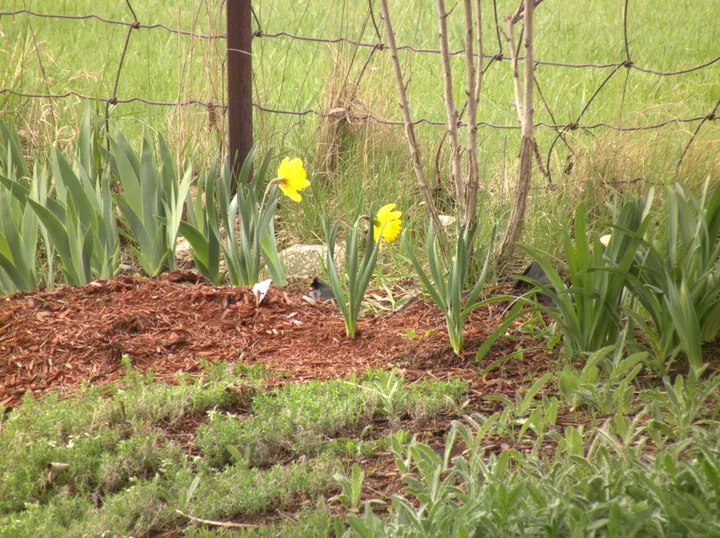
DSCF0014.jpg
2.8 MB · 3664×2742 · 0.6 s
JPG: opens everywhere
- Download the trial and install it on Windows 10 or 11.
- Drop your DNG files, or a whole folder, into Contenta Converter.
- Pick JPG, PNG, TIFF or PDF and click “Start Converting”.
Inside one RAW file
- Sensor data8,184,992 B · 86.6 %The picture as the sensor recorded it: 12-bit, 3904×2616, stored compressed.
- Full-size preview1,095,726 B · 11.6 %A JPG the camera made, 3872×2592, with the camera's own color processing.
- Small preview101,526 B · 1.1 %A 570×375 JPG.
- Thumbnail57,600 B · 0.61 %160×120, uncompressed.
- Metadata and headers14,188 B · 0.15 %170 tags: 78 EXIF and 92 maker notes (exposure, lens, date, camera settings).
使用者證明:
“I have been using Contenta Converter for years and it has saved me countless hours of work. Highly recommended!”
“Simple, fast, and does exactly what it promises. The batch processing is incredibly efficient.”
“Best image converter I have found. The RAW support and metadata handling are top-notch.”
保證滿意:
 | 簡單又專業的照片轉換以及處理過程 |
|
| 攝影師(業余和專業),設計工作室,建築師,大機構(NASA,IBM,克萊斯勒,大學醫院)所使用的產品。 |
|
| 完全無風險. 購買後,您將獲得一個30天退款保證,絕不多問。 |
Other cameras from this brand
DNG 圖像轉換
DNG 圖像優化
DNG 圖像處理
Frequently Asked Questions
What image formats does the LG Mobile produce?
The LG Mobile produces DNG files. You can convert these to JPG, TIFF, PNG, PDF, WEBP, and many other formats using Contenta Converter PREMIUM.
How do I convert LG Mobile photos?
Download Contenta Converter PREMIUM, drag and drop your photos, choose the output format, and click Convert. It supports batch conversion of hundreds of files at once.
Does Contenta Converter support RAW files and metadata?
Yes. Contenta Converter PREMIUM reads RAW files from most popular camera brands and can preserve or update IPTC/XMP metadata such as copyright, location, and descriptions during conversion.
Can I add a watermark to my LG Mobile photos?
You can add text or image watermarks to all your photos in one step. Contenta Converter PREMIUM lets you choose position, opacity, and size so your branding looks consistent on every export.
Is Contenta Converter free to try?
Yes. The trial runs for 30 days with every feature. Your first 10 images are saved without a watermark; after that, exports carry a small watermark. Buying a license removes the watermark and the time limit.