.avif
AVIF file: what it is and how to convert it to JPG
An .avif file is a picture compressed with the AV1 codec, the format websites use because it is about half the size of a JPG at the same quality.
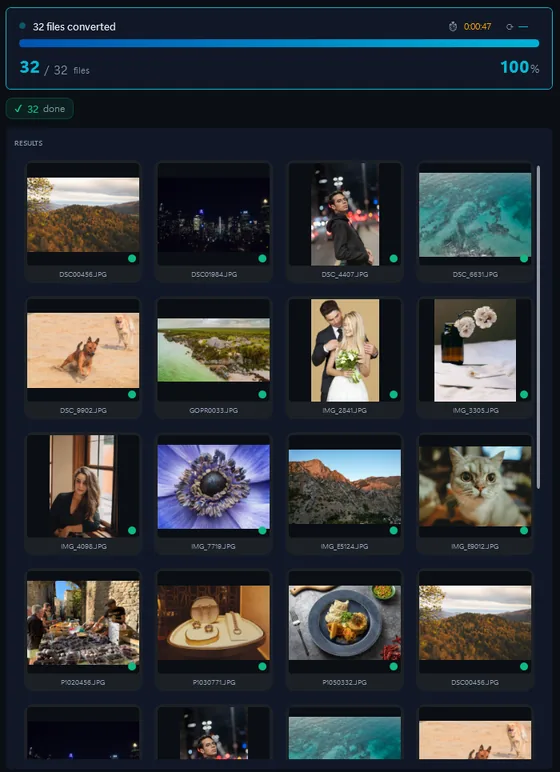
- أضف ملفات AVIF الخاصة بكDrop in single files or a whole folder.
- اختر صيغة الإخراجJPG, PNG, TIFF, PDF and more.
- انقر تحويلEvery file converted in one pass.
Every current browser opens it, but many editors, upload forms and older programs do not. Contenta Converter batch converts AVIF to JPG, PNG or TIFF on Windows, and writes AVIF too.
How to open a .AVIF file on Windows
- Any browser (free). Drag the file into Chrome, Edge or Firefox to see it. Windows Photos needs the free AV1 Video Extension from the Microsoft Store.
- GIMP or Paint.NET (free). Both open AVIF and export one file at a time to JPG or PNG.
- Contenta Converter, for folders. Drop a folder of AVIF images and get JPG, PNG, TIFF or WEBP in one batch, resized if you like. It also converts JPG and PNG to AVIF for the web.
Before you convert AVIF files
- What changes in the conversion
Converting AVIF to JPG trades one lossy format for another: the JPG is bigger and compresses the picture a second time, so keep the quality setting high. Transparency survives in PNG and WEBP, not in JPG. A 10- or 12-bit HDR AVIF becomes an 8-bit standard-range picture: the extra brightness range is squeezed into what JPG and PNG can hold. - What Contenta Converter does with AVIF
Contenta Converter decodes AVIF with libheif and writes JPG, PNG, TIFF, WEBP and its other output formats for a whole folder in one batch; it also encodes AVIF from JPG, PNG, HEIC or RAW photos. Still images only: an animated AVIF gives its first frame. Output is 8 bits per channel.
The same photo, five outputs
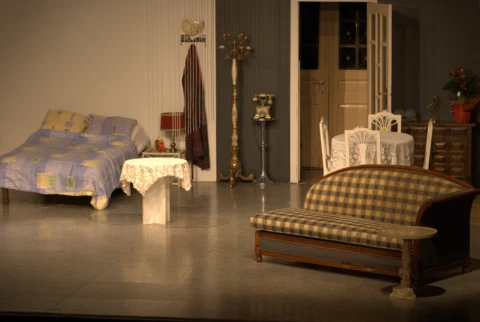 DSC_0001.NEF · 3900×2613
- PNG.png1.9 s16.1 MB
- AVIF.avif2.2 s2.02 MB
- JPG.jpg1.7 s1.69 MB
- WebP.webp1.7 s1.32 MB
- JPEG XL.jxl1.7 s1.12 MB
صيغة |
AVIF |
الشركة |
Alliance for Open Media |
| الوصف | AVIF (AV1 Image File Format) is the image format derived from the AV1 video codec, published by the Alliance for Open Media in 2019. Chrome, Firefox, Safari and Edge display it, and websites serve it because an AVIF photo is roughly half the size of a JPG at the same quality. It supports transparency, 10- and 12-bit colour and HDR. |
| الفوائد | About half the file size of JPG at the same visual quality. Alpha transparency, wide-gamut and HDR colour, a lossless mode. Royalty-free and supported by every current browser. |
| عوائق | Windows Photos needs the AV1 Video Extension to show it; many editors, upload forms and older programs do not accept it. Encoding is slow, and a 10- or 12-bit HDR AVIF comes out as a standard 8-bit picture when converted to JPG or PNG. |
| بيانات تعريف | يتعامل مع صيغ XMP, EXIF أو IPTC |
Ready to convert your AVIF files? Download the free trial.
Download the free trial: every file converts, keep 10 cleanشهادات تزكية:
"في حاجة لتحويل هذه الصور اليوم، فإنه من الغوث أن تجد هذا البرنامج. شكراً! "جيسون هوفمان, كاليفورنيا
" التقط صور كل يوم، وأشكركم على هذا المحول الرائع. إنه يوفر وقتي بالفعل"
جيم ريتشاردسون، إنديانابولز
"أود أن أقول أنني كنت أبحث عن محول للصور، ووجدت أن برنامجكم واضح، وبسيط، وجميل جداً. "
براندون كيجان, نيويورك
ضمان الرضا:
 | التحويل الاحترافي للصور ومعالجتها أمر سهل كما ينبغي أن يكون |
|
| موثوق من المصورين والمصممين والشركات حول العالم. |
|
| لا يسبب أخطار على الإطلاق. بعد أن تشتري البرنامج، يكون لديك 30 يوماً ضمان باستعادة المبلغ المدفوع. |
AVIF تنظيم الصور
AVIF معالجة الصور
Frequently Asked Questions about AVIF
Why won't Windows open my AVIF file?
Windows Photos shows AVIF only after the free AV1 Video Extension from the Microsoft Store is installed. Without it, open the file in a browser, or convert it to JPG or PNG so every program accepts it.
Is AVIF better than JPG or WEBP?
For file size at a given quality, yes: AVIF is typically 30 to 50 percent smaller than JPG and smaller than WEBP, and it supports transparency and HDR. JPG wins on compatibility: every program since the 1990s opens it. Use AVIF for the web and JPG or PNG for anything you hand to other people or programs.
How do I convert many AVIF files to JPG at once?
Drop the folder into Contenta Converter, choose JPG and the quality you want, and click Start Converting. Every .avif becomes a .jpg in one batch; pick PNG instead when the images have transparent areas.
Need more than AVIF conversion? Browse supported cameras that produce AVIF files below, or: